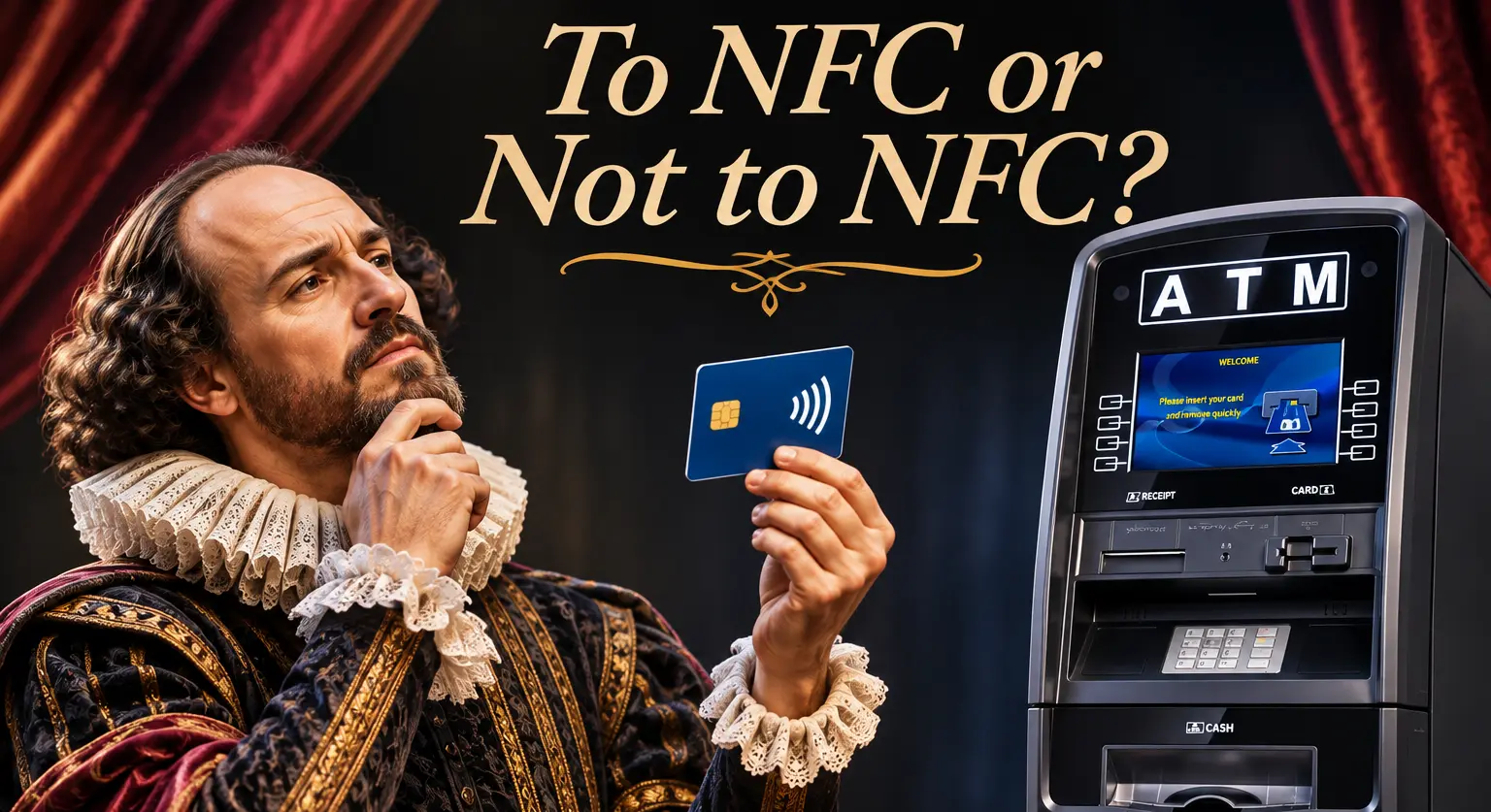
Hamlet had his dilemma. ATM owners have theirs: add NFC, or keep doing things the old way?
An NFC enabled ATM lets customers tap a contactless card, phone or smartwatch instead of inserting a card. Your customers already tap to pay at the grocery store, the gas pump and the coffee shop. Sooner or later, they expect to do the same at your ATM.
But NFC isn’t magic. Some taps get declined, upgrades cost money, and not every location needs one today. In this post, we’ll explain how contactless ATMs work, why some taps fail, and how to decide whether an NFC-enabled ATM is right for your business.
What Is an NFC Enabled ATM?
NFC stands for Near Field Communication. It’s the short-range wireless technology behind every “tap” payment. An NFC enabled ATM has a contactless reader, usually marked with the familiar wave symbol, that reads a card or device held a few centimeters away.
At a contactless ATM, customers can withdraw cash with:
- A contactless debit or credit card
- A phone with a mobile wallet
- A smartwatch with a mobile wallet
The customer taps, the machine beeps, and the customer enters their PIN and proceeds with the transaction as normal. The card never leaves their hand, and the transaction still runs over the same networks as a card-insert withdrawal.
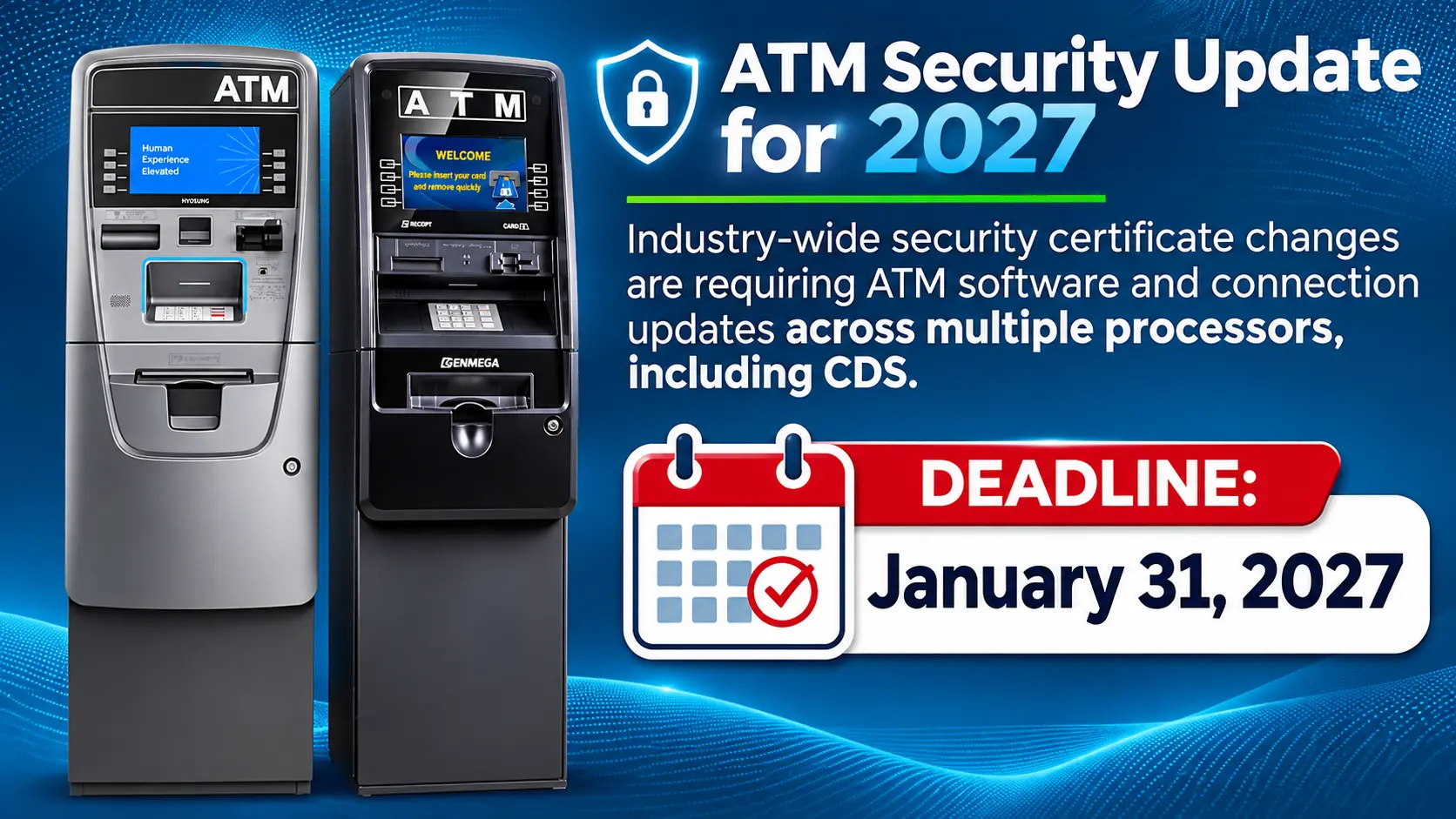
You can order new ATMs with an NFC reader or you can upgrade many popular models, including Hyosung and Genmega units.
Why Customers Expect to Tap
Tap-to-pay has become the default at the checkout counter. Once people get used to it, inserting a card starts to feel slow and outdated. That’s especially true for younger customers who may leave their physical wallet at home and carry only their phone.
A contactless ATM meets customers where they already are:
- Speed: A tap is faster than inserting and removing a card, so lines move more quickly.
- Convenience: Customers who left their card at home can still get cash with their phone.
- Fewer stuck cards: There’s no card in the slot to jam, get forgotten or get captured.
- A modern look: A visible contactless symbol tells customers your machine is current and well maintained.
If a customer sees two ATMs and only one has a contactless symbol, which one do you think they’ll pick?
Why Some Contactless Taps Fail (and What You Can Do About It)
Here’s the honest part: not every tap at an NFC ATM will go through. The machine itself is rarely the cause. Most declines happen further down the line.
1. Some banks block phone wallets at ATMs. When a customer taps a phone, the wallet sends a digital token instead of the real card number. Some card issuers choose not to support these tokenized ATM withdrawals, often to avoid the extra fees that come with them. In those cases, a phone tap is declined even though the same customer’s physical contactless card works fine.
2. Your processor must certify NFC. Contactless transactions need to be certified with your host processor. If the ATM has a reader but the processor hasn’t enabled the feature, taps won’t work. All of our retail processors are certified for NFC however some work better than others.
3. Software and configuration matter. The ATM’s software and EMV contactless settings must be current and set up correctly.
4. Customer habits. Customers sometimes tap too quickly, hold the phone in the wrong spot or have no debit card loaded in their wallet.
The good news is that most of these are fixable or easy to explain:
- Confirm NFC certification with your processor before you go live.
- Keep your ATM software up to date.
- Add simple signage, such as “Tap your card or phone here, then enter your PIN.”
- Leave the card reader in place, so customers always have a backup option.
A declined tap is a small hiccup, not a lost sale, as long as customers can still insert their card.
Is a Contactless ATM Secure?
Yes. Contactless ATM transactions use the same EMV-level encryption as chip cards. The customer still enters a PIN for every withdrawal.
NFC also adds security advantages:
- Skimming protection: Card skimmers work by capturing data from a card inserted into the reader slot. When customers tap instead, there’s no card in the slot to skim.
- Tokenization: Phone and watch wallets send a one-time token instead of the real card number, so stolen data is far less useful.
- Card stays with the customer: No lost, forgotten or captured cards.
As with any ATM, keep your software patched and inspect your machines regularly. A well-maintained NFC enabled ATM is one of the safer ways for your customers to get cash.
NFC ATM Upgrade Cost vs. Return
Adding NFC to an existing ATM usually means buying an upgrade kit. Depending on the model, that typically costs a few hundred dollars per machine. Buying a new ATM with NFC built in rolls the cost into the purchase.
To decide whether the investment pays off, weigh these factors:
| Factor | Leans toward NFC | Leans toward Card Insertion |
|---|---|---|
| Customer age | Younger, phone-first crowd | Older, card-only regulars |
| Location type | Bars, venues, campuses, convenience stores, travel stops | Low-traffic or rural sites |
| Transaction volume | Busy machines where speed matters | A few withdrawals a day |
| Machine age | Newer ATM worth upgrading, or buying new | Older unit close to replacement |
| Competition | Nearby ATMs already offer tap | No nearby competition |
A few extra withdrawals a week can cover the cost of an upgrade faster than you’d think. If you’re buying a new machine anyway, choosing an NFC-enabled ATM from the start is the simplest way to future-proof your investment.
How to Choose the Right NFC ATM for Your Location
Before you buy a contactless ATM, check these five things:
- Built-in or upgradable NFC. Choose a model that ships with a contactless reader, or one with a proven upgrade kit.
- Processor certification. Make sure your processor supports and certifies NFC on that model. All ours do!
- Card reader backup. All ATMs have an EMV Card reader. The majority of your transactions will still occur as card insertion.
- Software support. Pick a manufacturer that releases regular software and security updates. Both Hyosung and Genmega do!
- Clear signage. Use a visible contactless symbol and short tap instructions on or near the screen. This comes standard with new machines and also shows on the display for all our machines.
Not sure which model fits your location? Best Products can help you compare NFC-ready ATMs from leading manufacturers and pick the right one for your traffic, space and budget. Browse our NFC ATMs for sale.
Frequently Asked Questions
Why doesn’t tap work at some ATMs? Usually it’s because the card issuer blocks phone-wallet ATM withdrawals, the processor hasn’t certified NFC, or the ATM doesn’t have a contactless reader.
Do customers still need a PIN at a contactless ATM? Yes. Every contactless ATM withdrawal requires a PIN.
How much does it cost to add NFC to an ATM? An upgrade kit typically costs a $500 – $700 dollars, depending on the model. Contact us for a quote on your specific machine.
Is an NFC ATM worth it? For busy locations with younger or phone-first customers, usually yes. Faster transactions and a modern experience can bring in more withdrawals and set you apart from nearby ATMs.
The Verdict: To NFC
So, to NFC or not to NFC? For most ATM owners, the answer is to NFC. It doesn’t have to happen everywhere at once, but your customers’ habits are moving in that direction.
An NFC ATM gives customers a faster, safer way to get cash. It cuts down on skimming risk and makes your machine stand out. Some taps will still be declined by certain banks. Even so, keeping a card reader as a backup means you never lose the transaction.
Ready to make the switch? Shop NFC-enabled ATMs or contact our team for help choosing the right contactless ATM for your business.
“The question isn’t whether to NFC, it’s when.”
Follow Us on Social
Peter Wilkenshoff
Peter Wilkenshoff is the President of Best Products Sales and Service Inc./ BestATMstore.com. With more than 20 years in the payments industry, he has made a career out of helping businesses get paid in the simplest and smartest ways possible. Cash, cards, mobile wallets or whatever futuristic payment gadget someone invents next week, he is here for it. He loves taking the stress out of money movement and turning complex processes into something anyone can understand. When he is not working he is usually fishing, building something around the house, out on a boat, surfing or planning the next family Disneyworld trip which sounds like a strange mix until you meet him and suddenly it all adds up.
Follow Peter on LinkedIn: https://www.linkedin.com/in/peter-wilkenshoff/
Join our Newsletter